1 STEP
Install the extension
Add Grabdrop to Chrome and pin it to your toolbar.
2 STEP
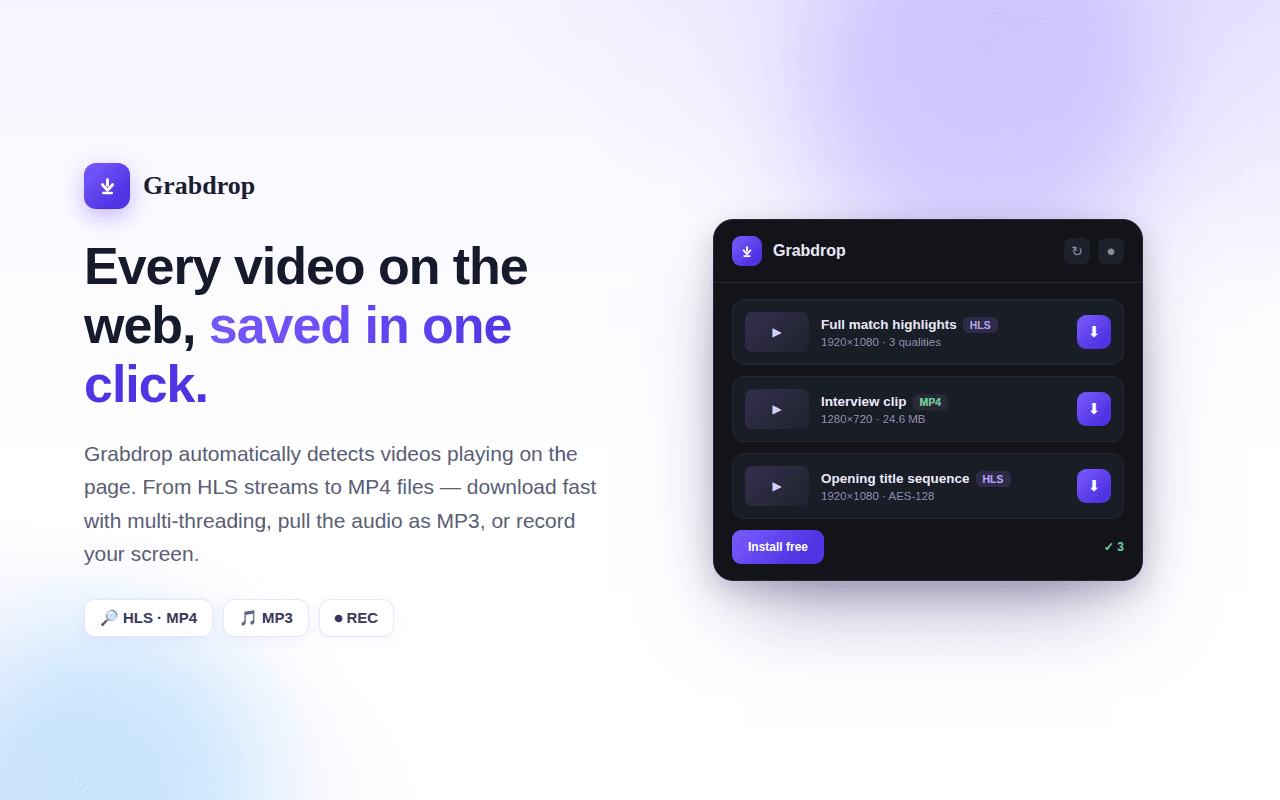
Detect & download
Play a video, click the Grabdrop icon, then pick a video from the detected list to download.
3 STEP
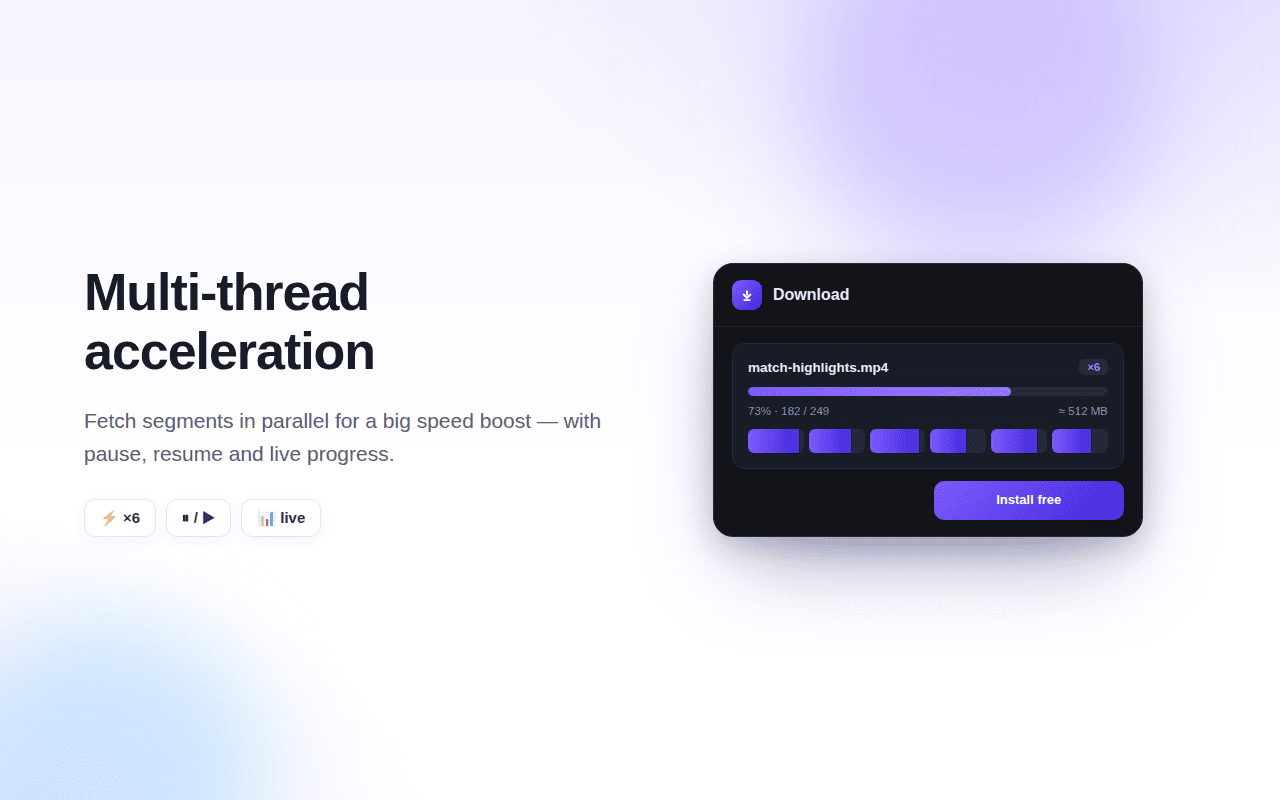
Multi-thread acceleration
Fetch segments in parallel for a big speed boost.
4 STEP
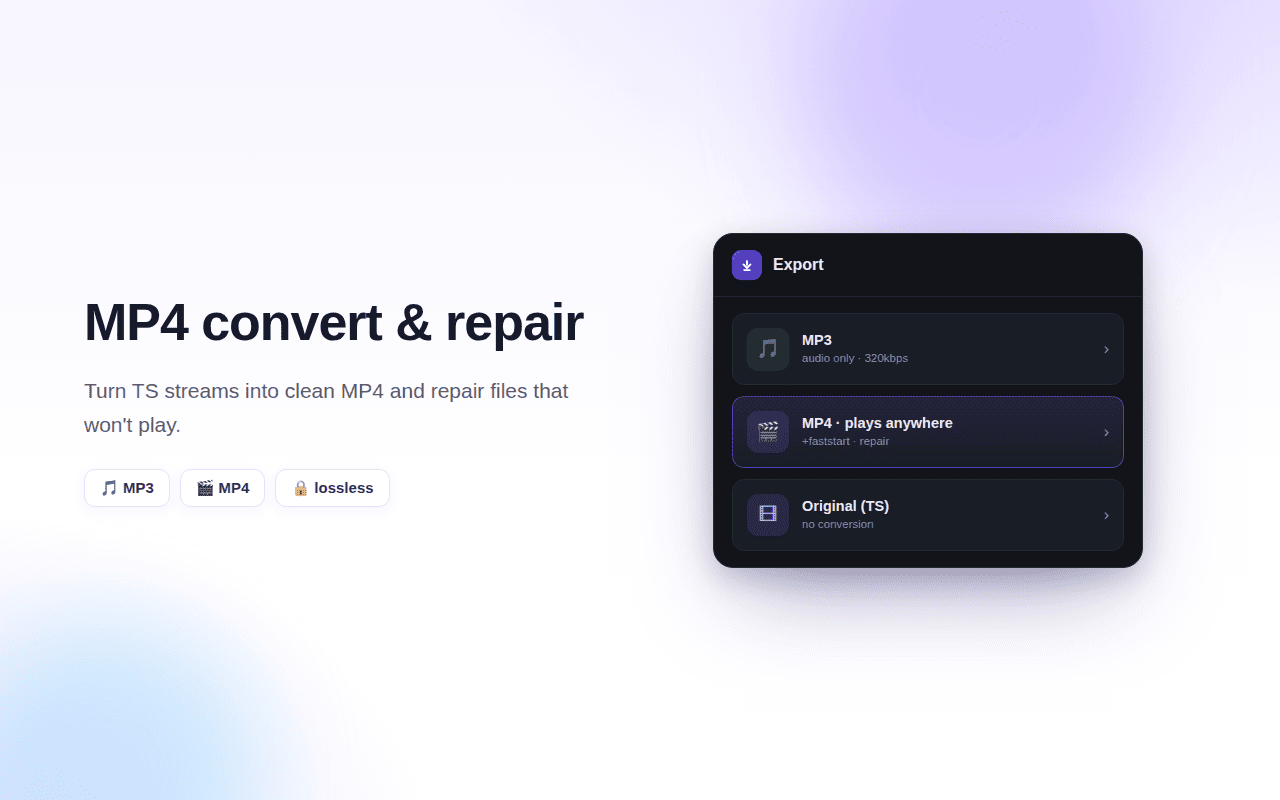
Convert to MP3 / MP4
After downloading, choose MP3 to extract the audio, or MP4 so it plays anywhere.
5 STEP
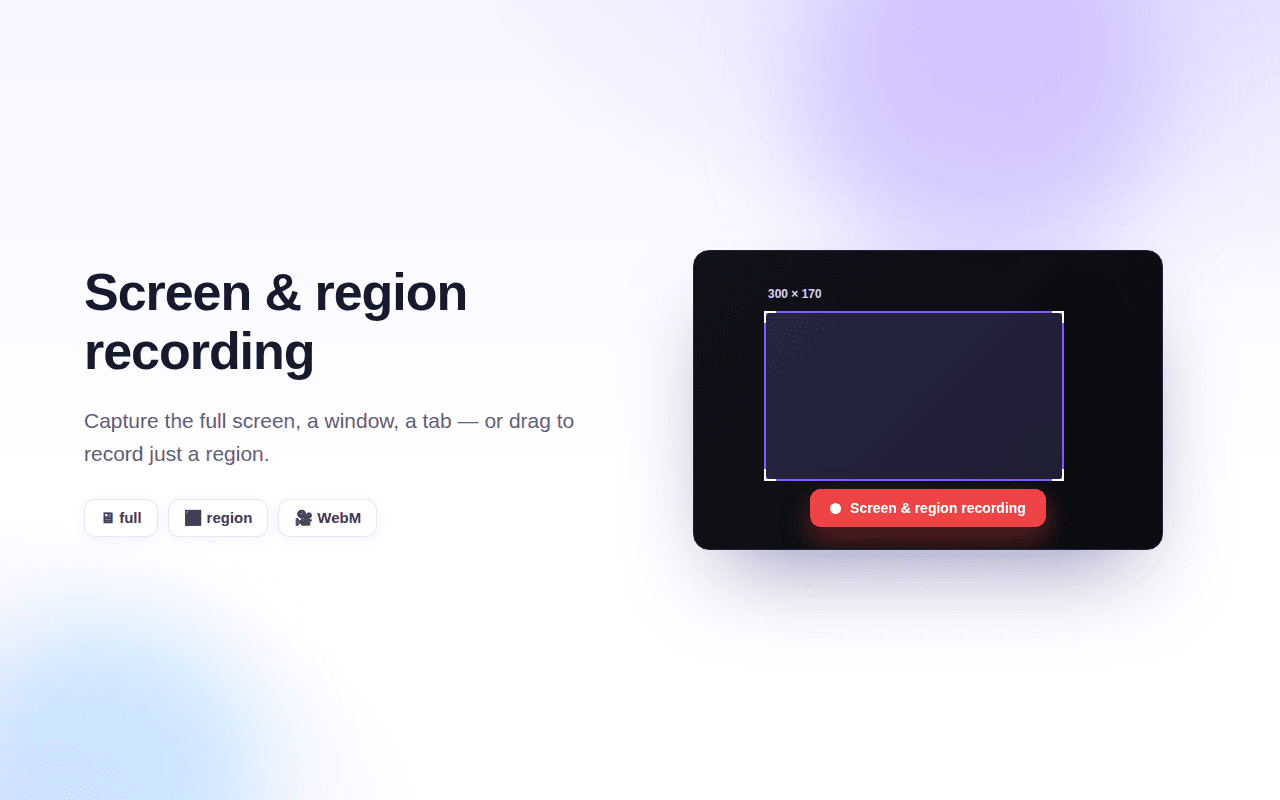
Screen & region recording
Capture the full screen, a window, a tab — or drag to record a region.
6 STEP
Activate Pro
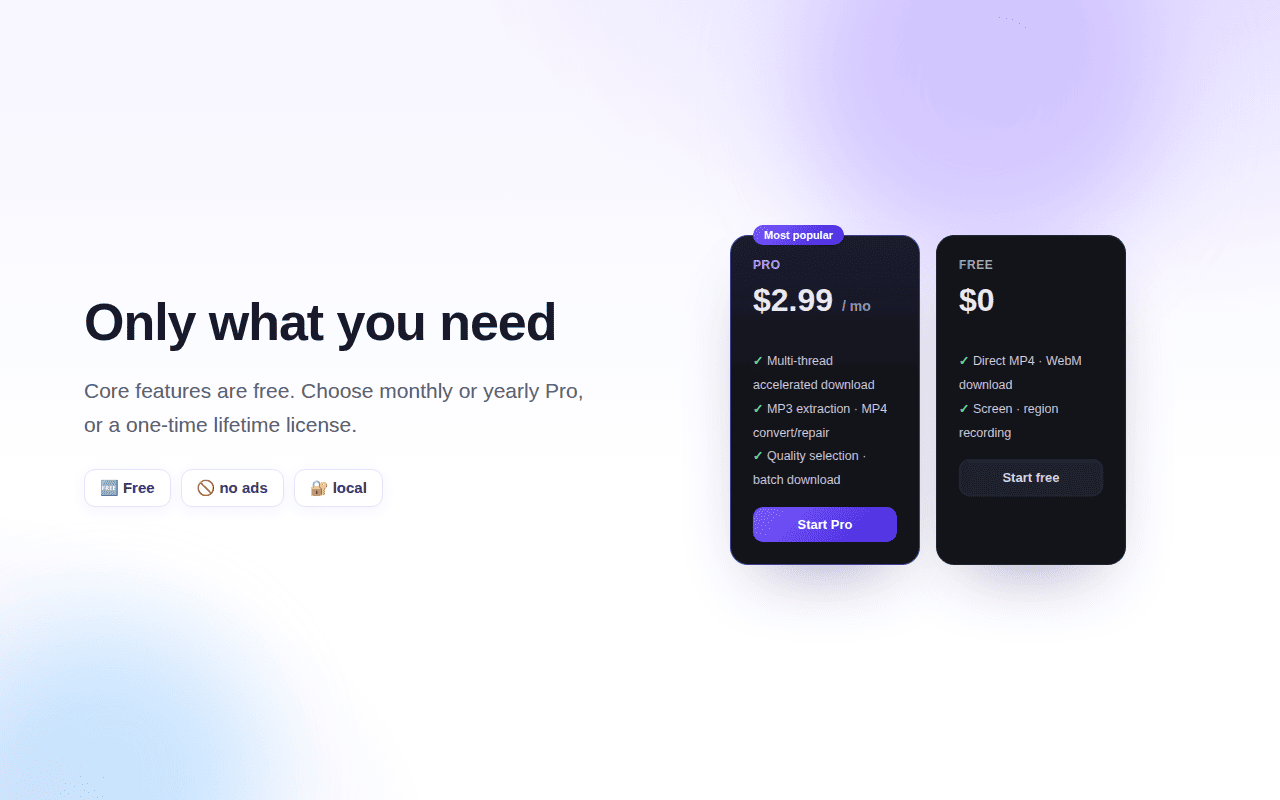
Buy on the pricing page, then paste the license key on the upgrade screen to unlock every feature.